


Sandbox

Simulate bank activity using Five Bells’ sandbox app.



Getting started
Five Bells utilizes sandbox versions of bank and bank-api integrations, notably, the Plaid Sandbox environment. Any bank account supported in the Plaid Sandbox will be available to clients in the Five Bells Sandbox environment.
Link Bank Account
Navigate to settings
Tap "Link Bank Account" and add your preferred institution. We recommend Cross River Bank
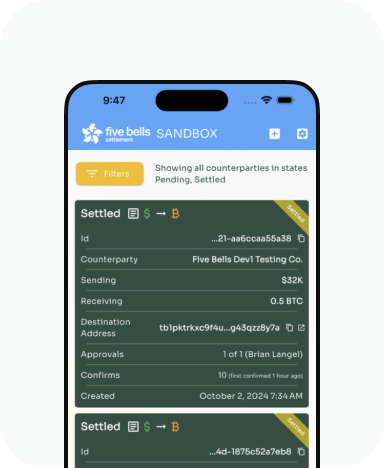
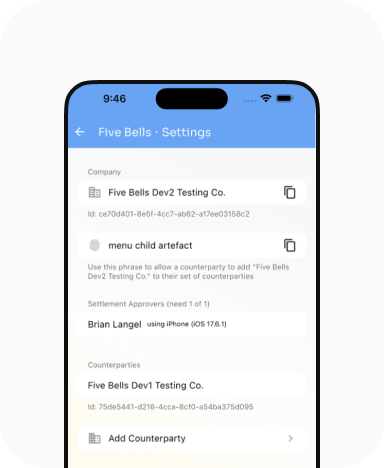
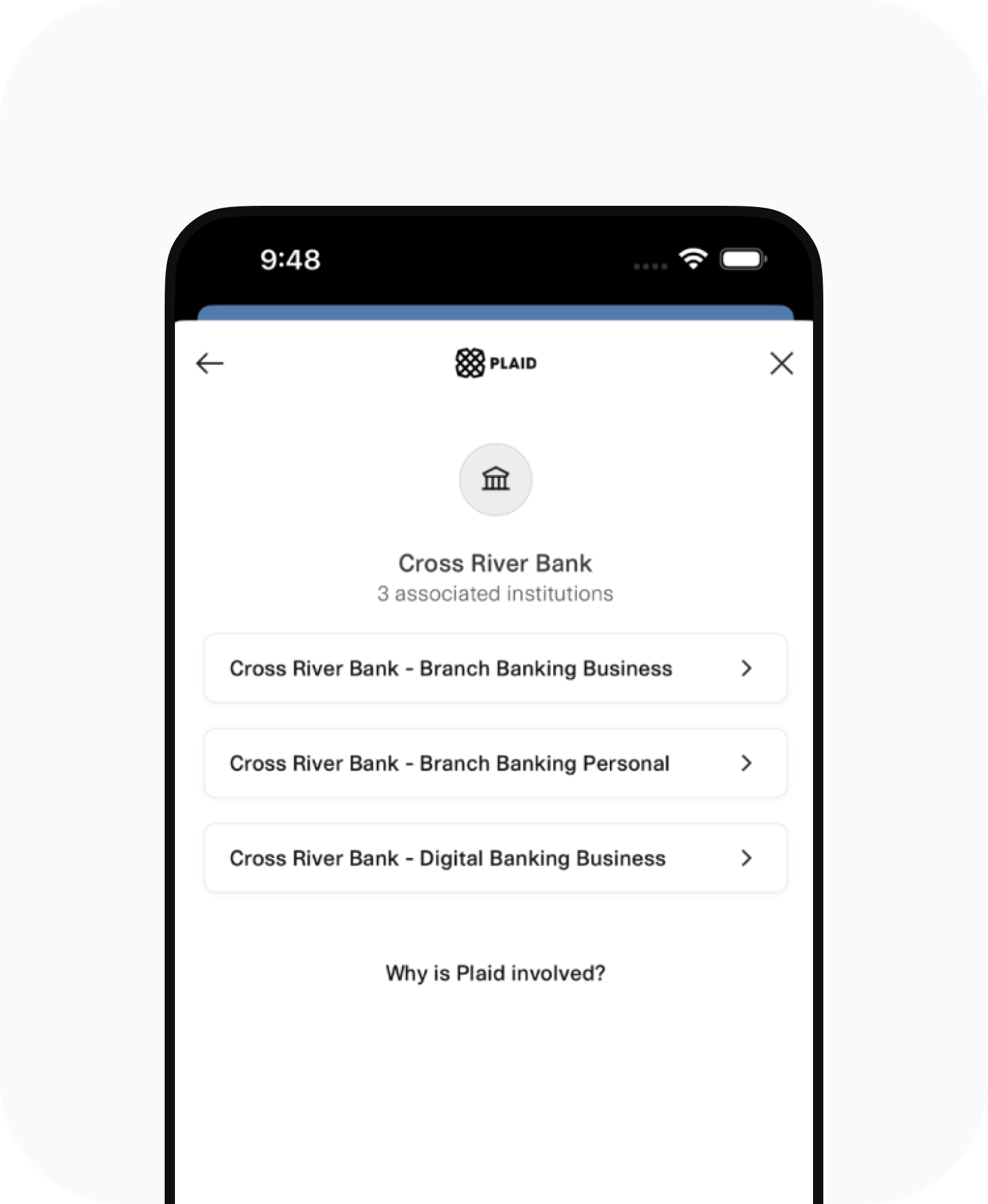
Note
For any account chosen, the following credentials will work in Sandbox.
username
custom_fbs_user
password
password
MFA code
1234 (if prompted)
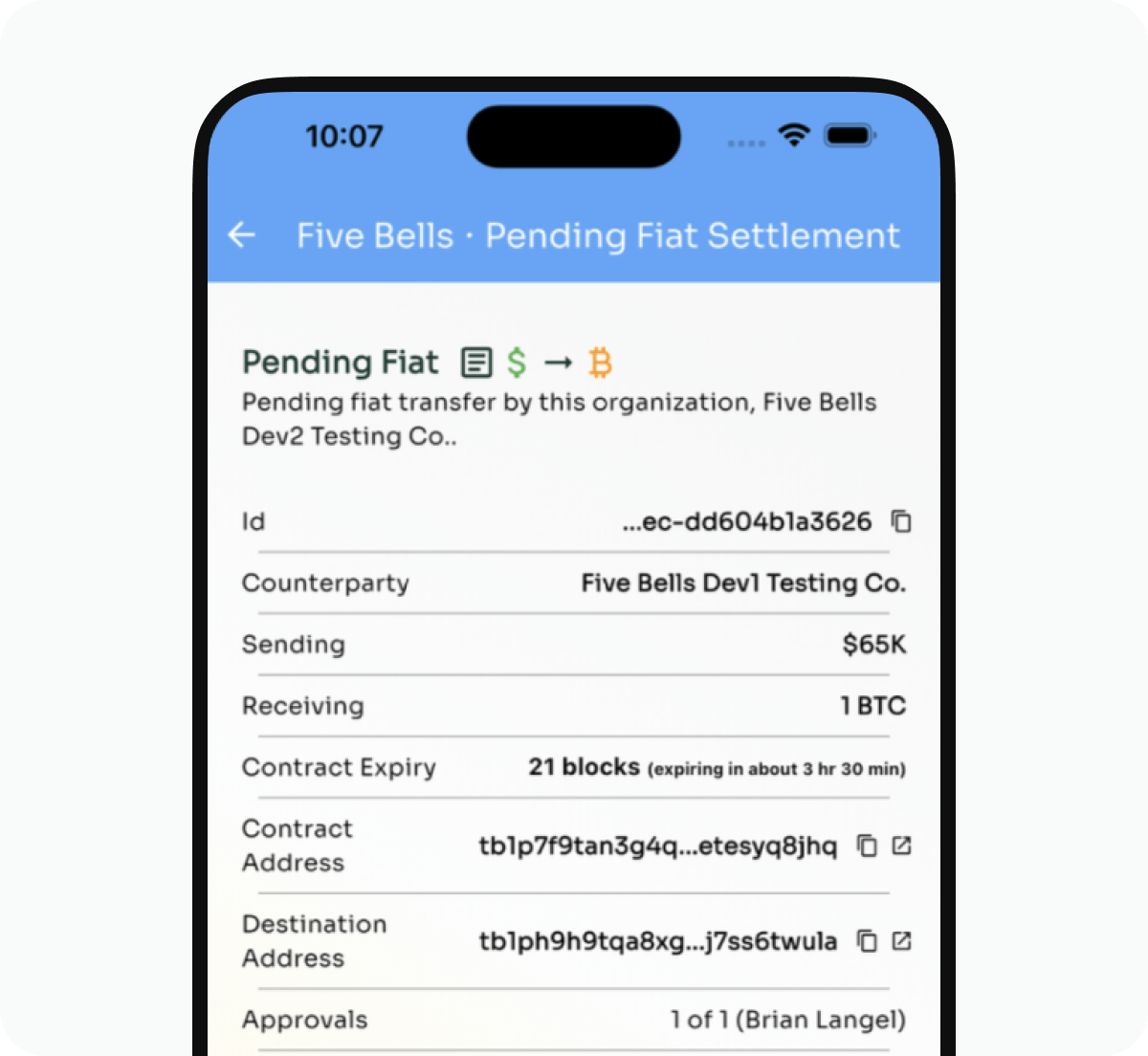
In production the client would follow their normal procedure to wire or transfer funds. However, in Sandbox, because the Sandbox application does not interact with actual fiat, the Five Bells application provides a way for the user to simulate a fiat transfer. When prompted by the application to initiate a fiat transfer, a button on the bottom of the transaction page titled “Simulate Fiat Transfer” will effectuate the transfer.
More Sandbox guides
Sandbox Bitcoin
Learn how to send Bitcoin in the sandbox environment
Get started

Sandbox Counterparties
Learn how to create other companies to use when testing
Get started



A practical, transparent settlement solution you can trust.
Email info@fivebells.io to learn more about Five Bells and how we can help.
